wrongthinking 1.0 don land
Open Studio ask question with your own files. Check video before you post am, compare wetin your sales fit reach, or save the results wey go help you decide.
Start with one question
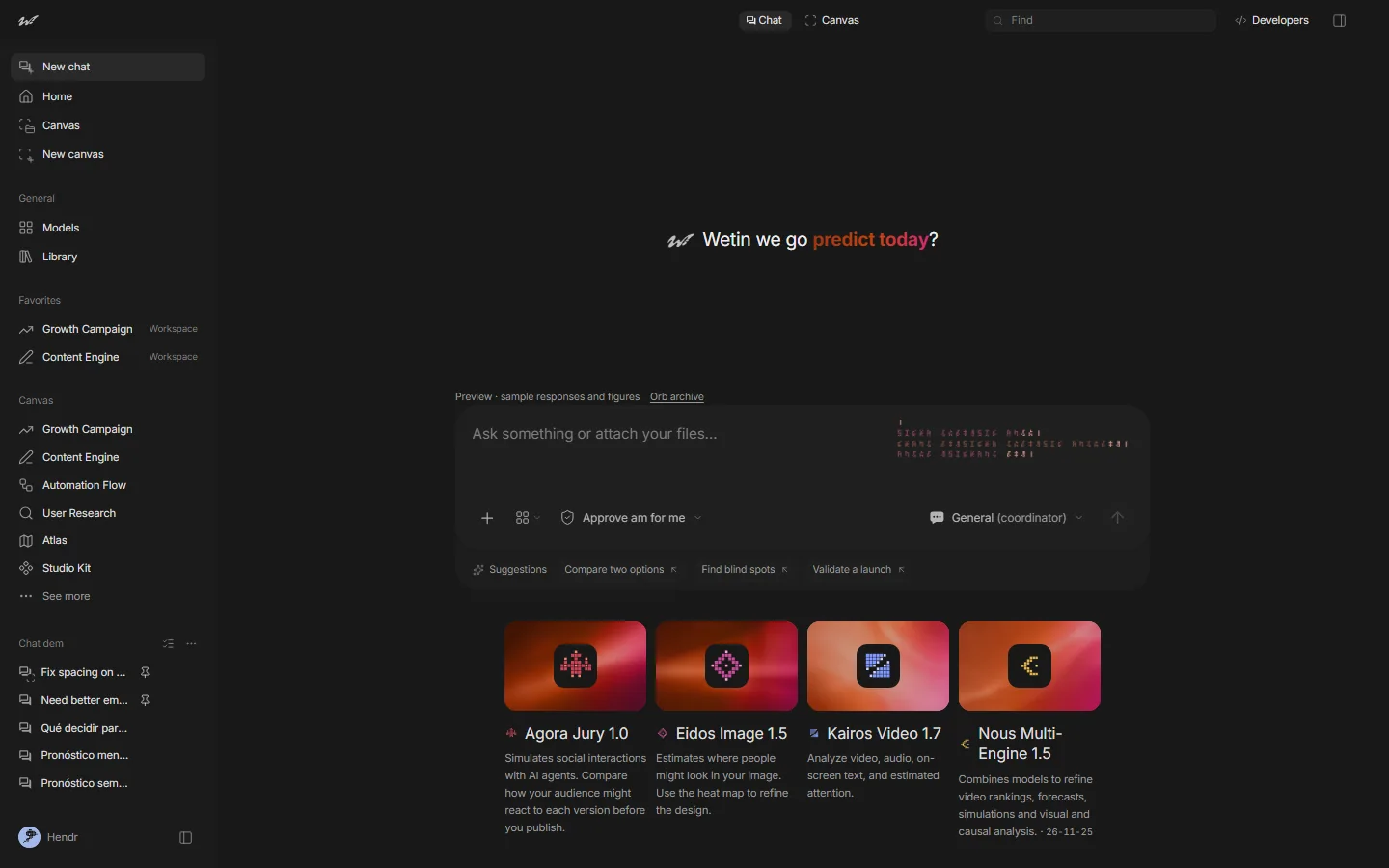
Open new chat and explain wetin you wan decide. Add picture, video, document or spreadsheet if e go help. Ask Studio make e compare different situations, calculate rate, arrange your options by the rules you give, or draw chart. Open the result beside the chat to check the numbers. Download report as Markdown or save am as PDF through your browser.
Choose how you wan do the analysis
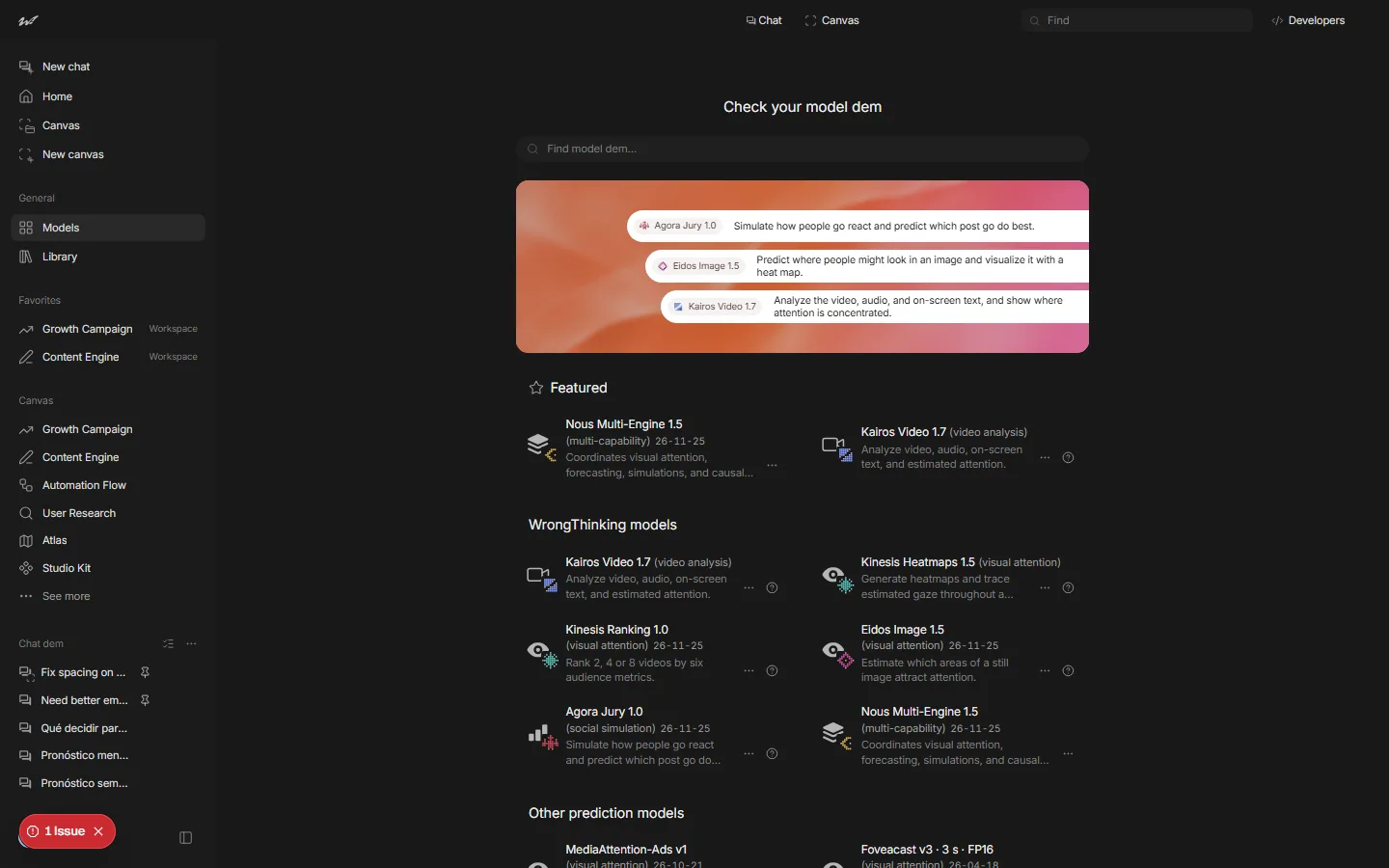
Use General mode to talk about a question or ask more about a result. If you don know wetin you wan measure, choose one model for the list and save am for your favourites. Nous Multi-Engine fit use different tools for the same analysis.
See wetin fit catch person eye
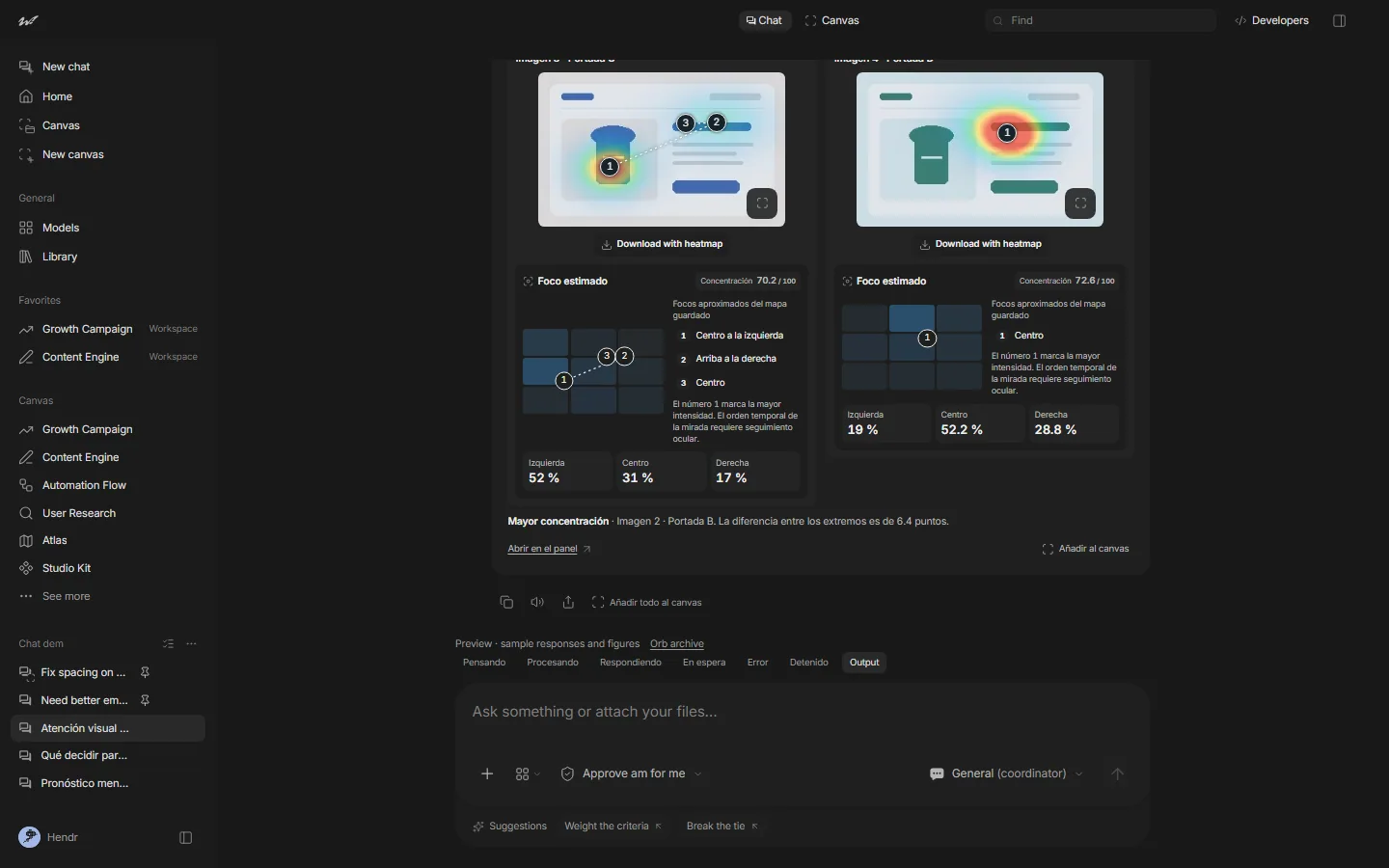
Eidos Image dey estimate where person fit look for picture. MediaAttention dey check graphic design, and Foveacast na for interface. Kinesis Heatmaps dey show how attention fit move through video. Kairos Video dey check wetin dey the video, the sound and the words wey show for screen. Kinesis Ranking dey compare videos and predict which one fit do better for different audience numbers.
Compare forecasts and different situations
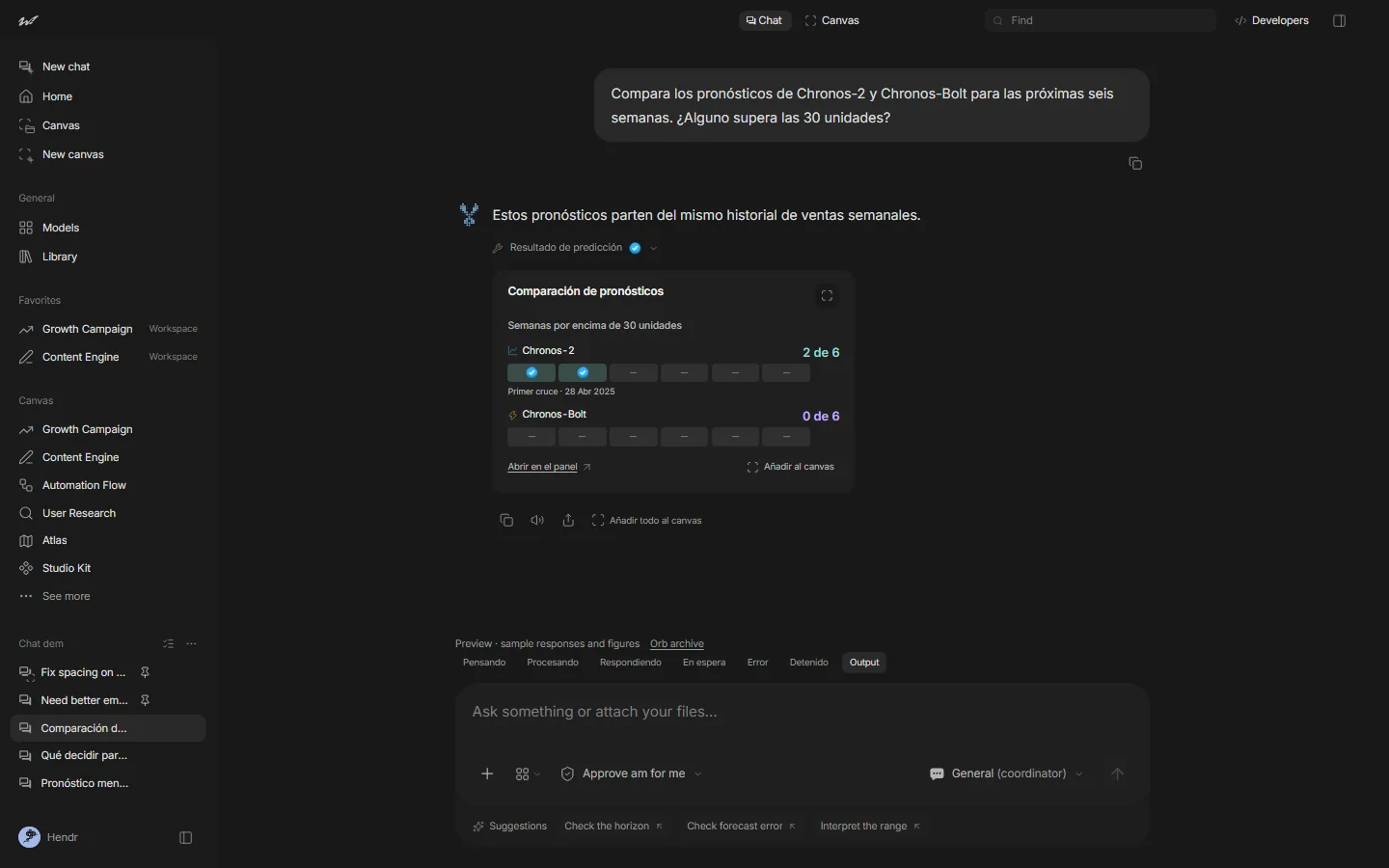
Upload sales or demand records wey follow the same time interval. Run the same numbers through StatsForecast, Chronos, Timestral or TimesFM. Compare their estimates, ranges and errors for records wey you keep for test. Use Mesa test how people fit start to use the product. DoWhy dey estimate the effect of a change based on the assumptions you give about wetin cause wetin.
Test your options with simulated audience
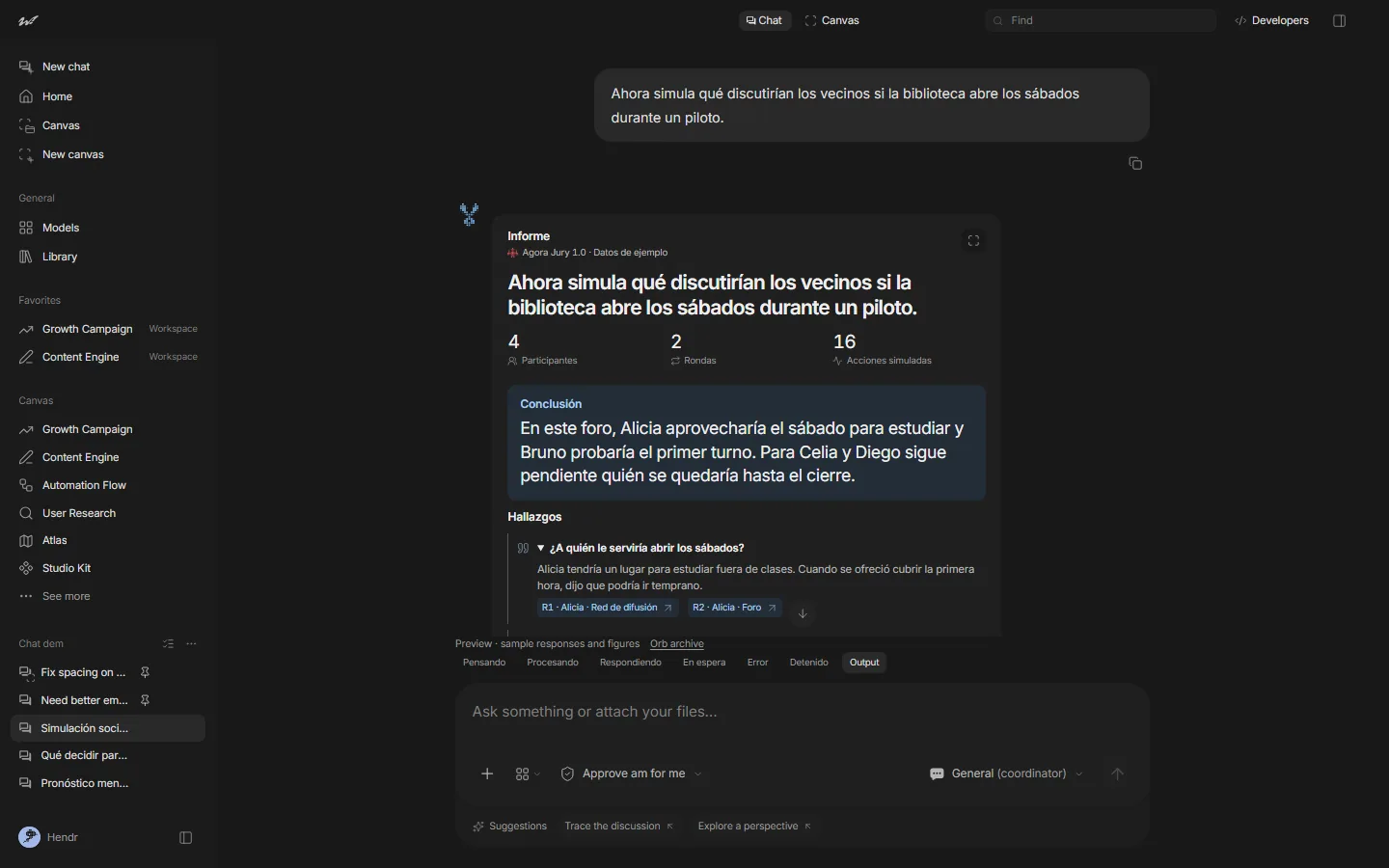
Give Agora Jury one question and wetin you wan test, like two versions of one post. Check the profiles of the simulated participants and compare their answers. Read their interviews and the report to see why dem choose wetin dem choose.
Arrange your results for canvas
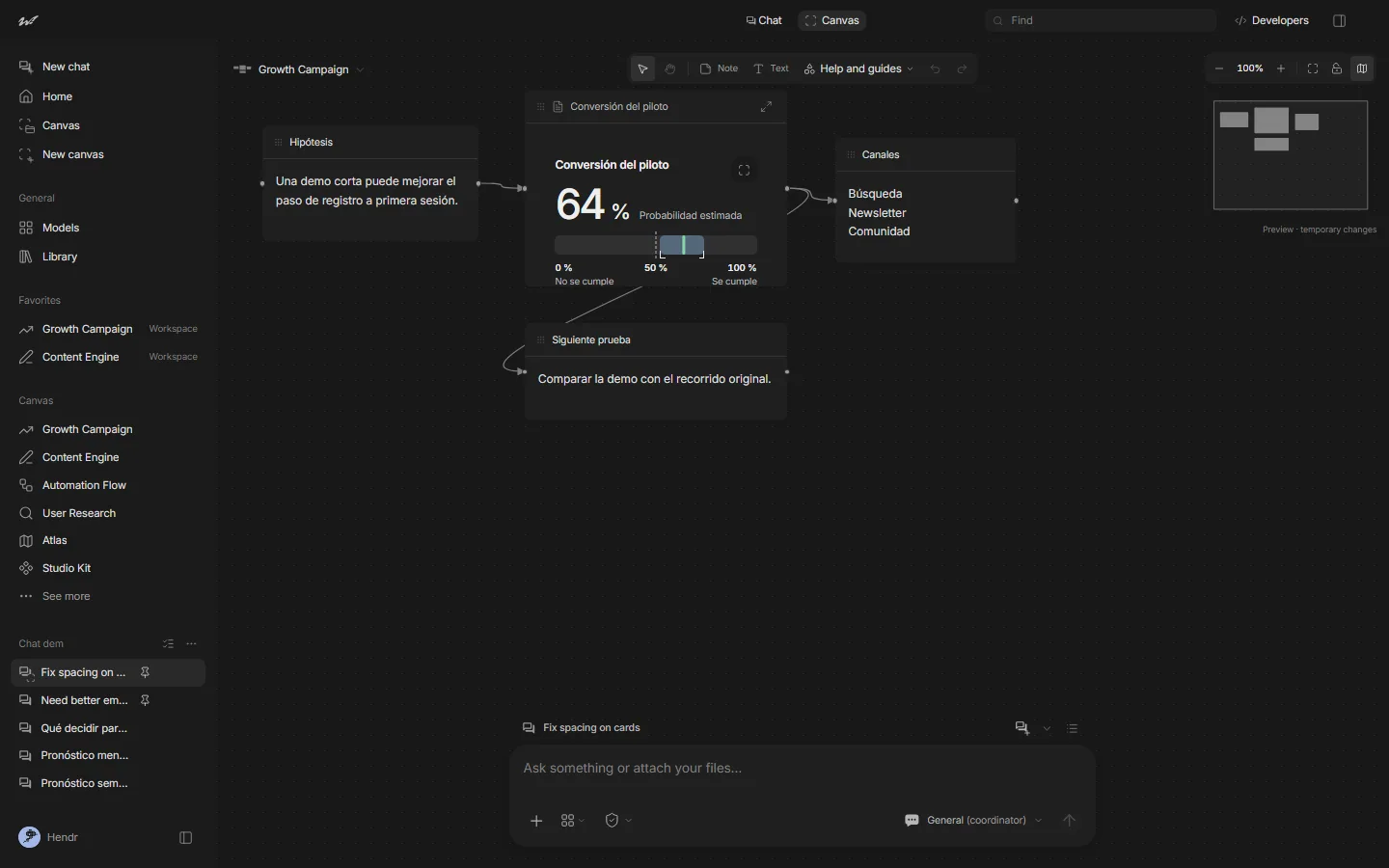
Put the whole answer for canvas or save just one result. Move the cards, connect them and keep them near your notes. You fit make another copy of workspace, invite person to edit am or create link to one answer. You fit cancel access to that link later.
Find your files and results
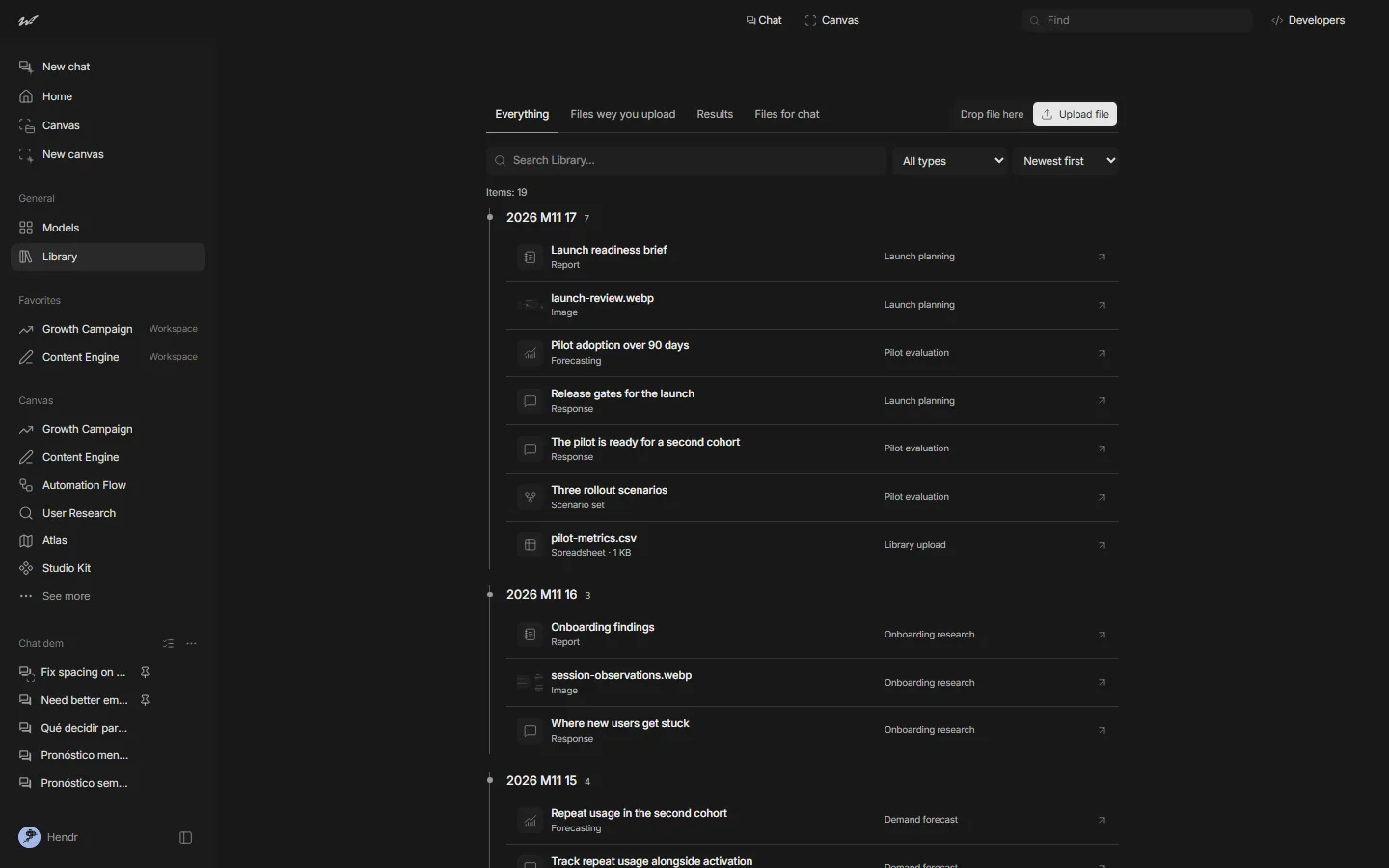
Library keep the files you upload, chat attachments and results you save together. You fit check your chat history, archive one chat and open am later. If you need a different file format, ask General mode make e change am. Studio keep the original and let you download the copy.
Manage your account and quota
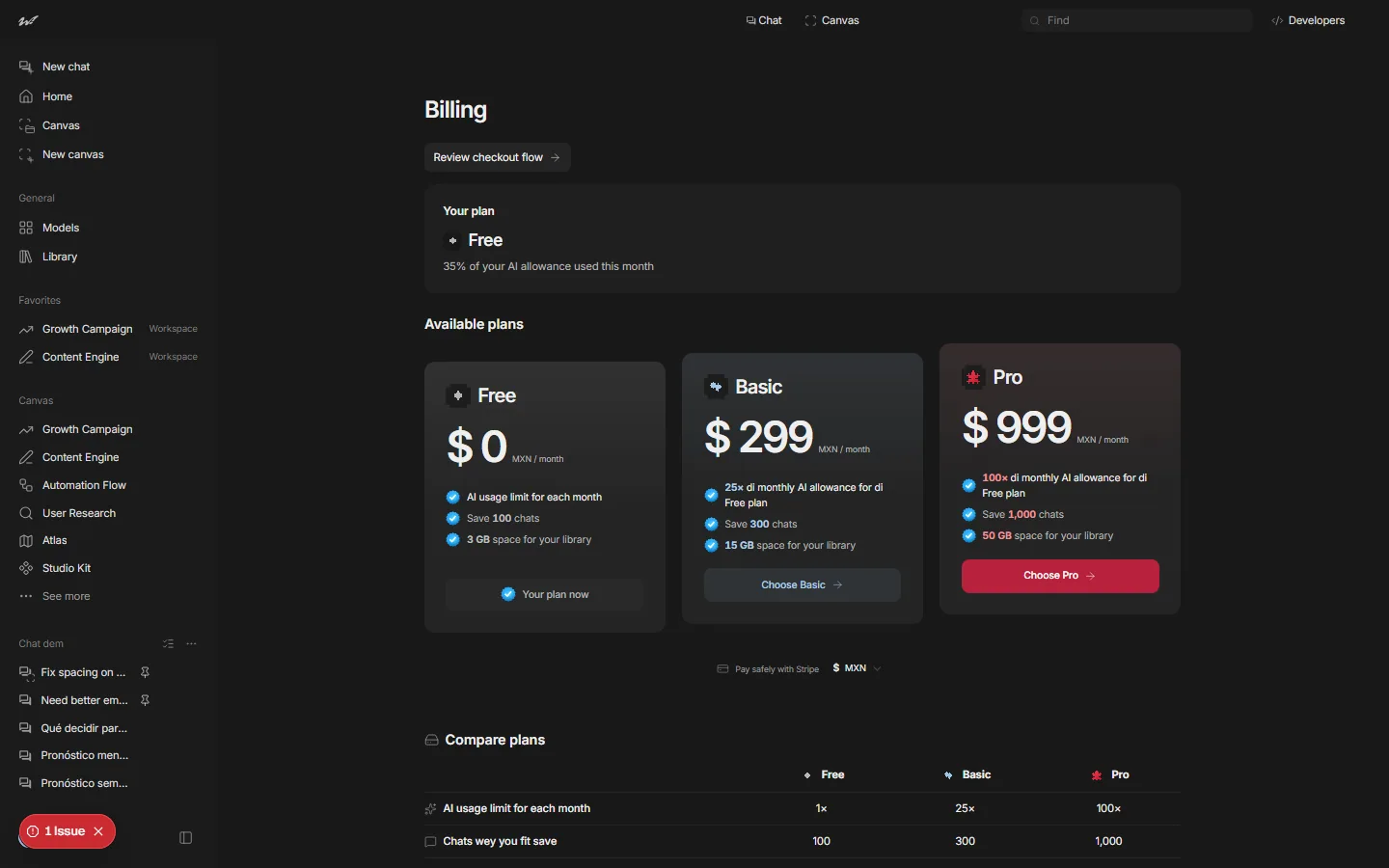
Open your profile menu to change language or theme, check your plan and see how much AI quota remain. If you want make chat remember wetin you like or check old chats, turn on Memory and choose the settings wey you want.
Use the models for your own app
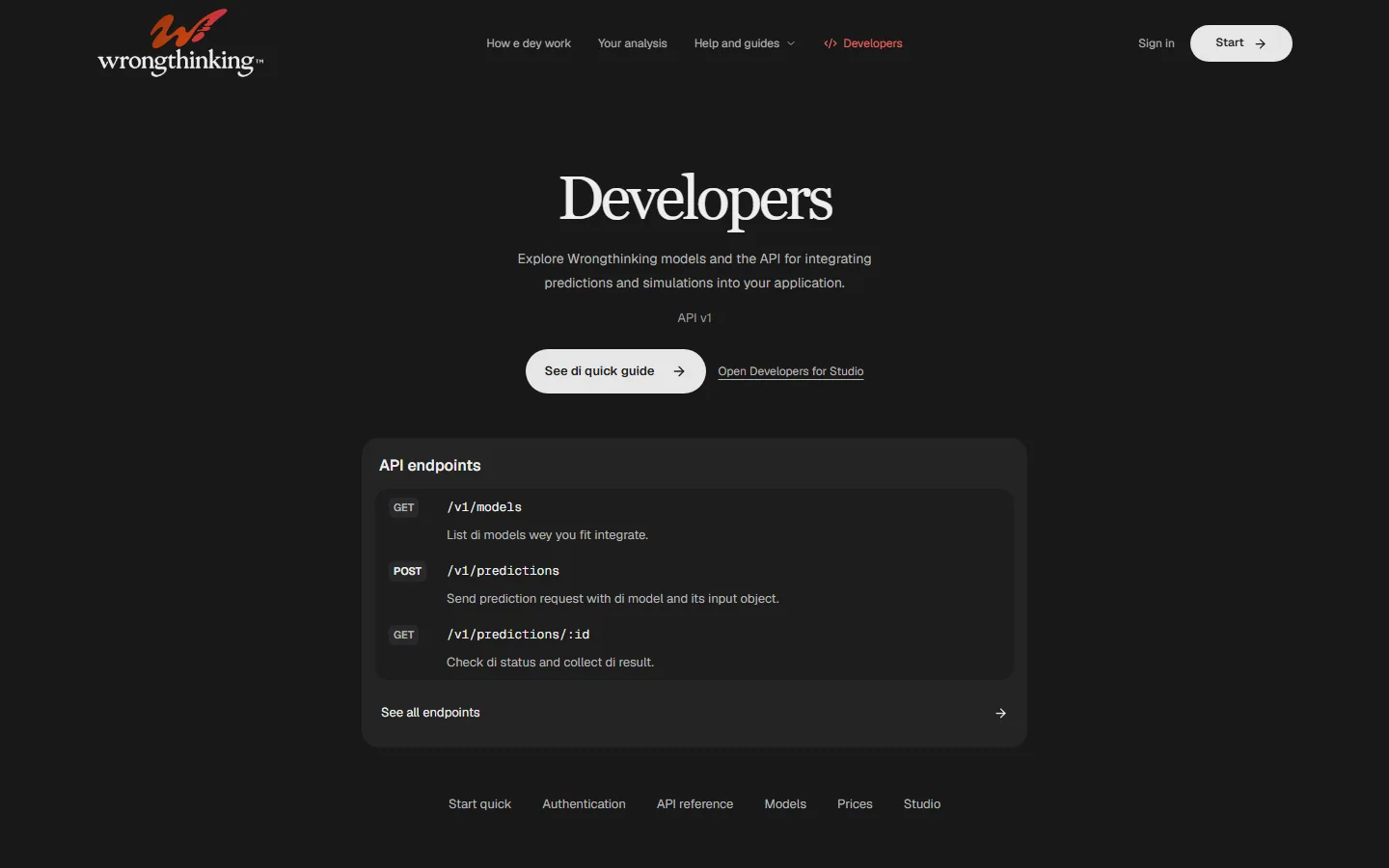
Check Developers for the API docs and model prices. Create keys to send work through the API and check request status, usage and logs.
Developers