wrongthinking 1.0 is here
Open Studio and ask a question using your own files. Review a video before publishing it, compare sales forecasts, or save the results you need to make a decision.
Start with a question
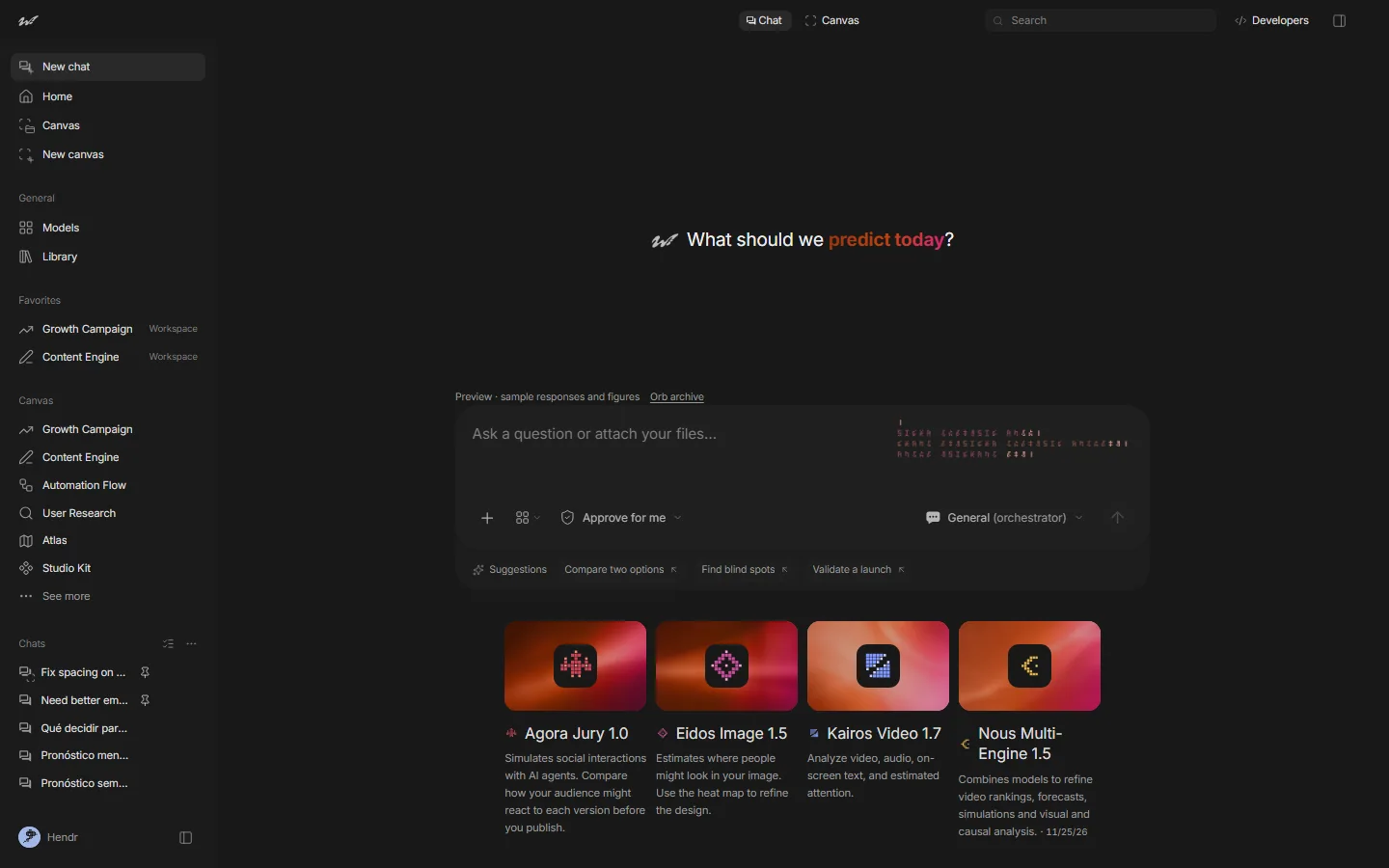
Open a chat and explain what you need to decide. Attach an image, video, document, or spreadsheet if it helps. Ask Studio to compare scenarios, calculate a rate, rank options by your criteria, or make a chart. Open results beside the chat to check the numbers. Download a report as Markdown or save it as a PDF through your browser.
Choose how to run the analysis
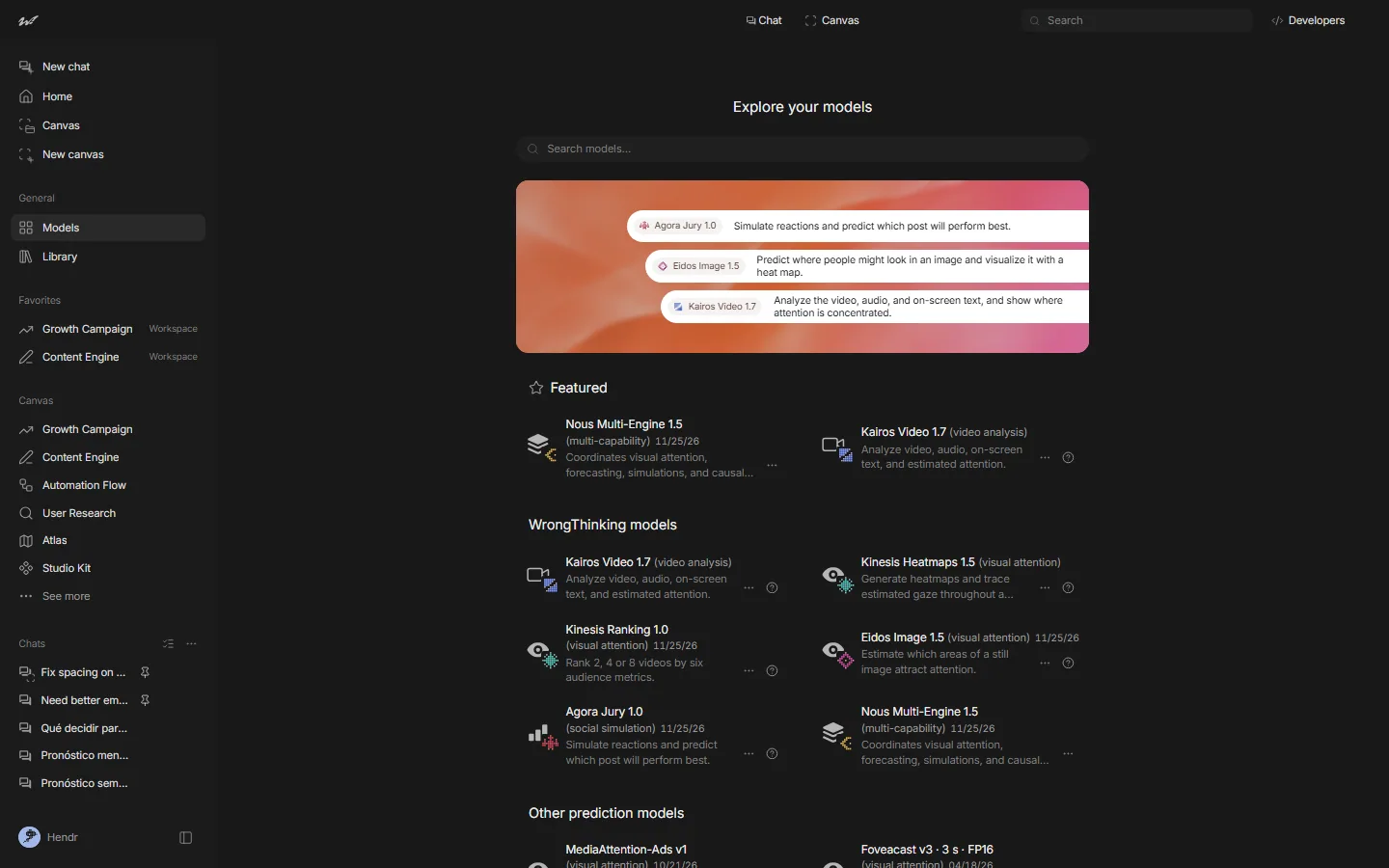
Use General to discuss a question or follow up on a result. If you already know what to measure, choose a model from the catalog and add it to your favorites. Nous Multi-Engine can coordinate several tools in one analysis.
See what might catch the eye
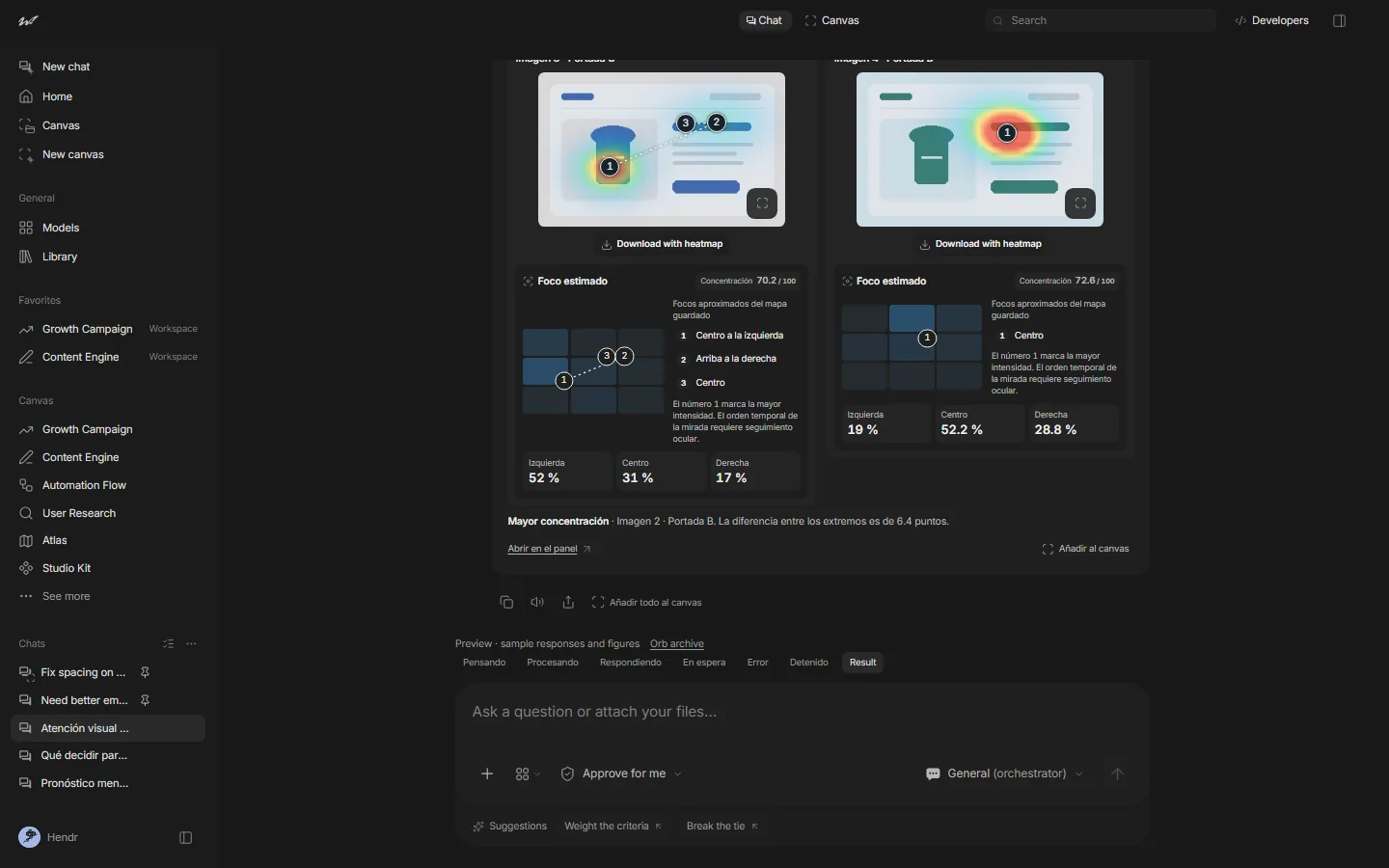
Eidos Image estimates where people might look in a still image. MediaAttention analyzes graphics, and Foveacast is built for interfaces. Kinesis Heatmaps shows how estimated attention moves through a video. Kairos Video analyzes visuals, audio, and on-screen text. Kinesis Ranking compares videos and estimates their order across audience metrics.
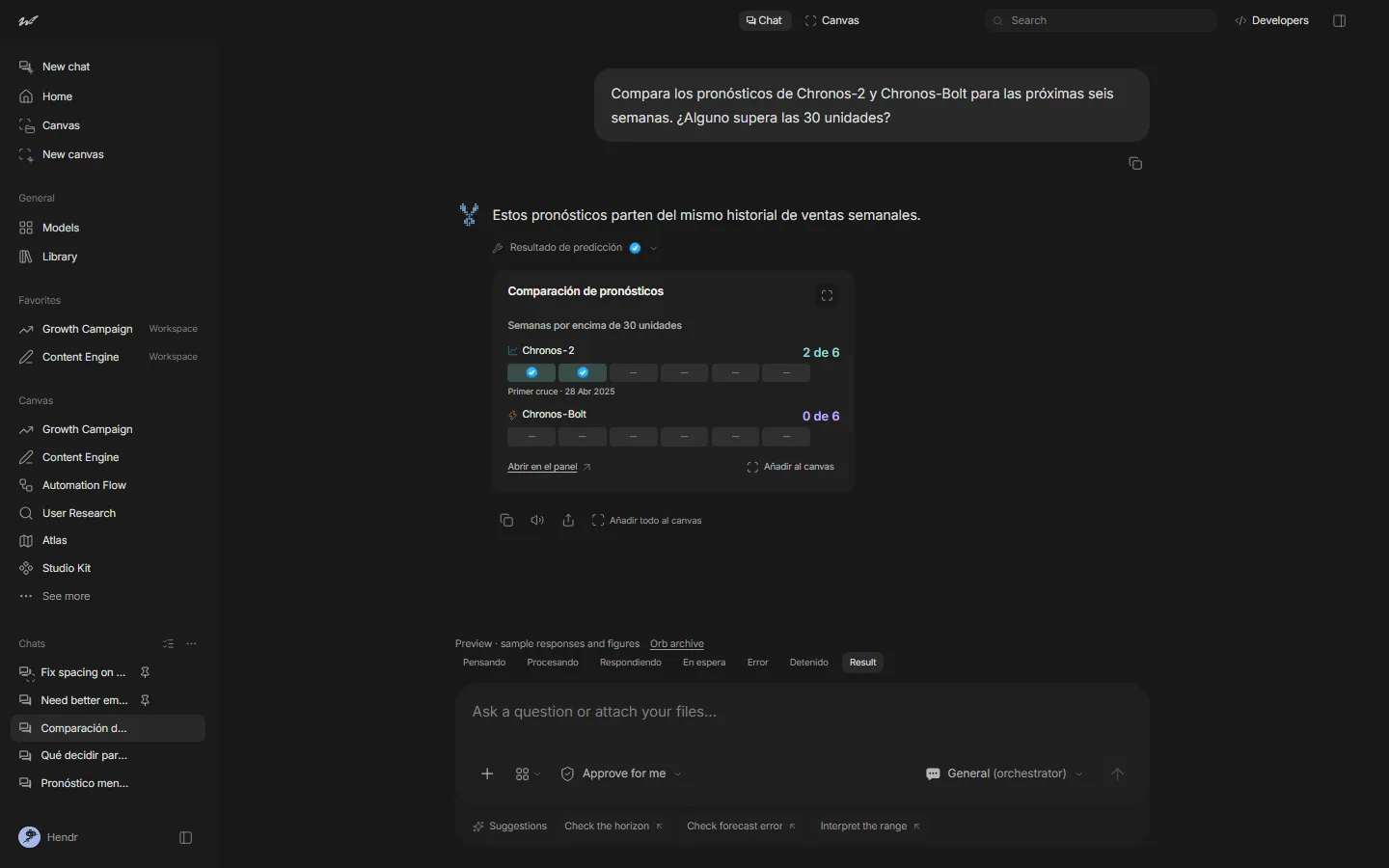
Compare forecasts and scenarios
Upload sales or demand history with evenly spaced observations. Run the same series through StatsForecast, Chronos, Timestral, or TimesFM, then compare estimates, intervals, and errors on data held back for testing. Use Mesa to test adoption assumptions. DoWhy estimates the effect of a change under the causal assumptions you specify.
Test alternatives with a simulated audience
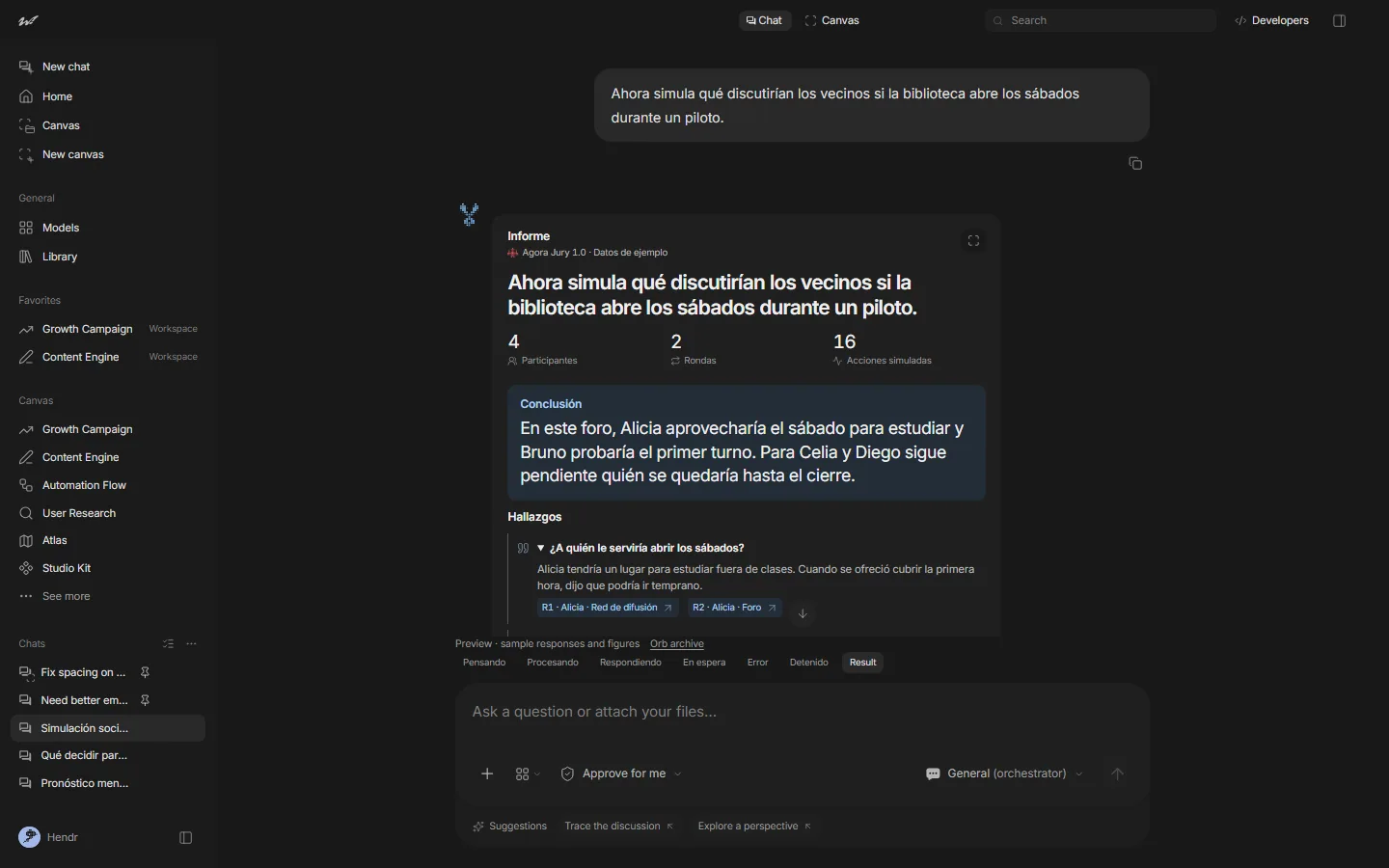
Give Agora Jury a question and the material you want to test, such as two versions of a post. Review simulated participants' profiles, compare their responses, and read the interviews and report to see what drove their choices.
Organize findings on a canvas
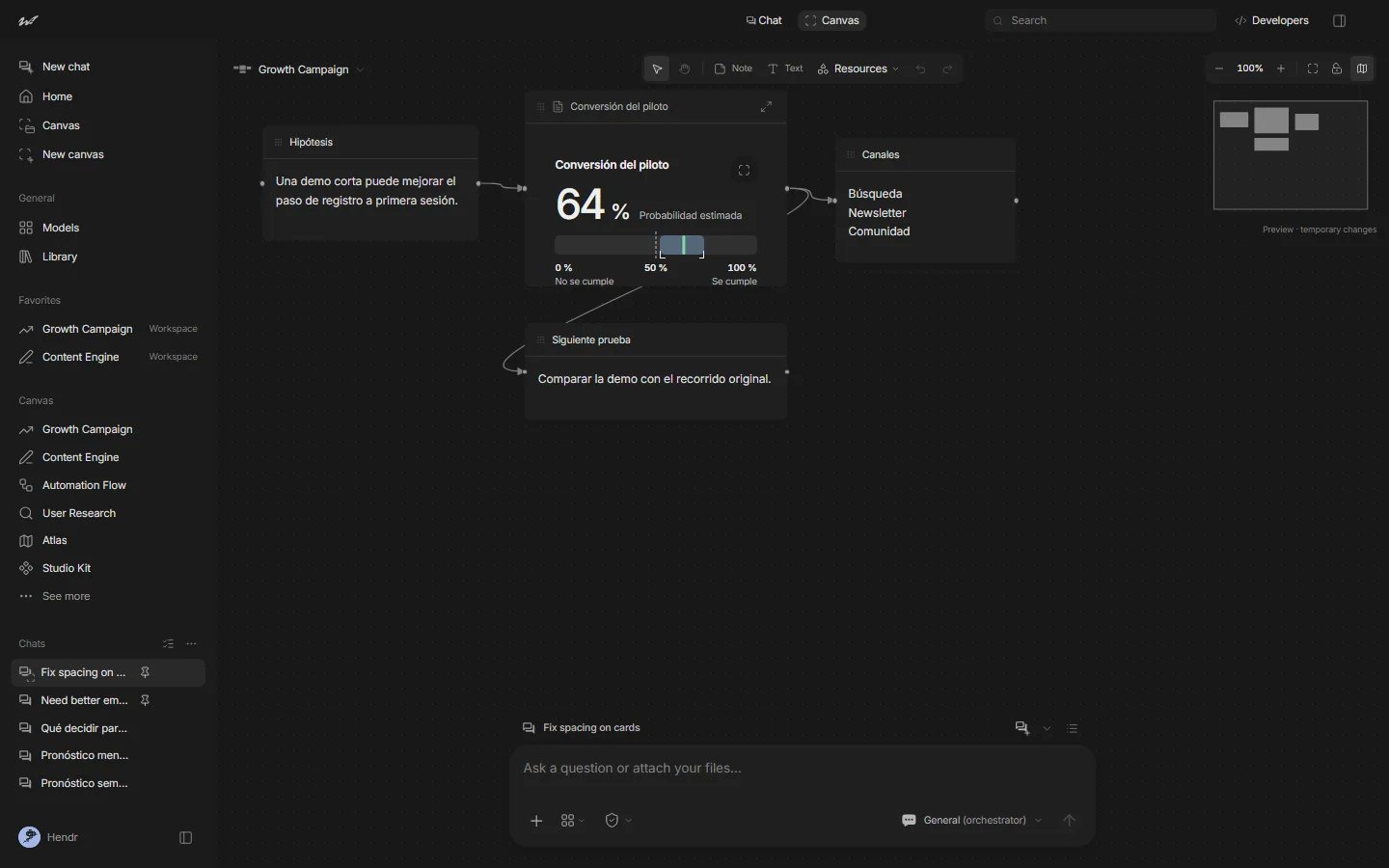
Add a whole response to a canvas or save a single result. Move and connect cards alongside your notes. You can duplicate a workspace, invite someone to edit it, or create a link to a single response and revoke access later.
Find your files and results
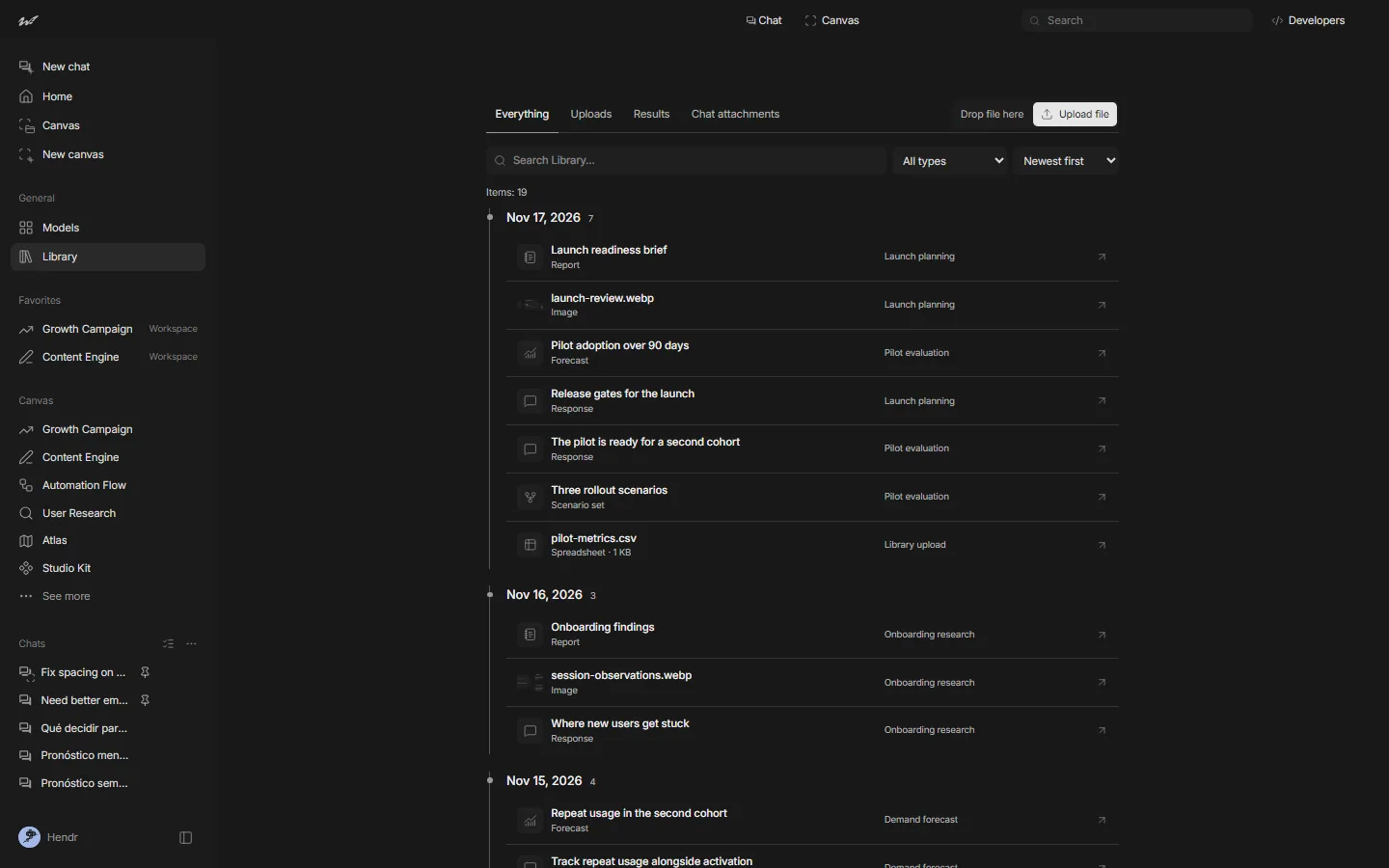
Library brings together uploads, chat attachments, and saved results. You can revisit your chat history, archive a chat, and open it later. Ask General to convert a file if you need a supported format. Studio keeps the original and makes the copy available to download.
Manage your account and allowance
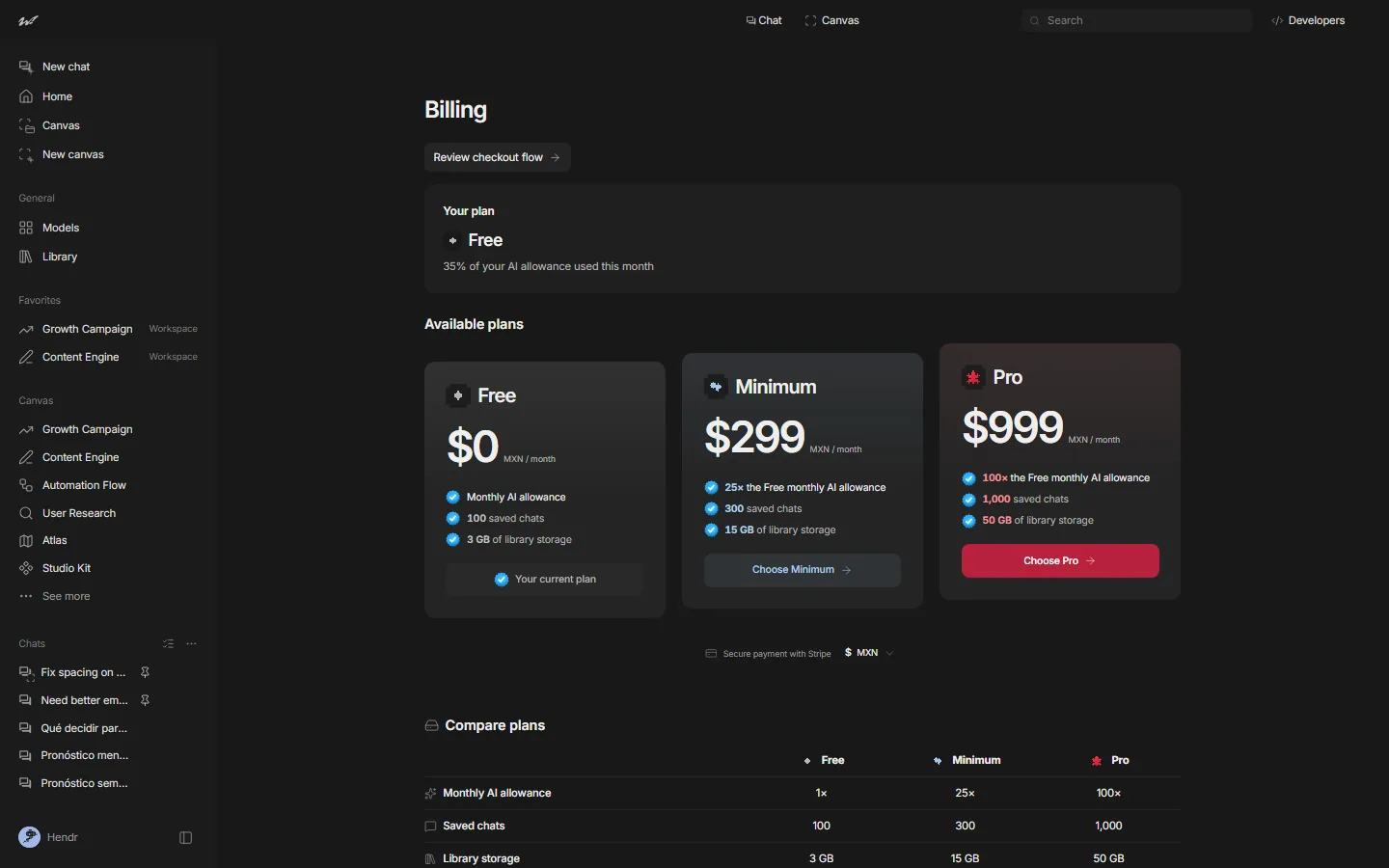
Use the profile menu to change your language or theme, check your plan, and see how much of your AI allowance is left. Turn on Memory if you want chat to remember a preference or refer to earlier conversations. You can choose which settings to use.
Use models in your own application
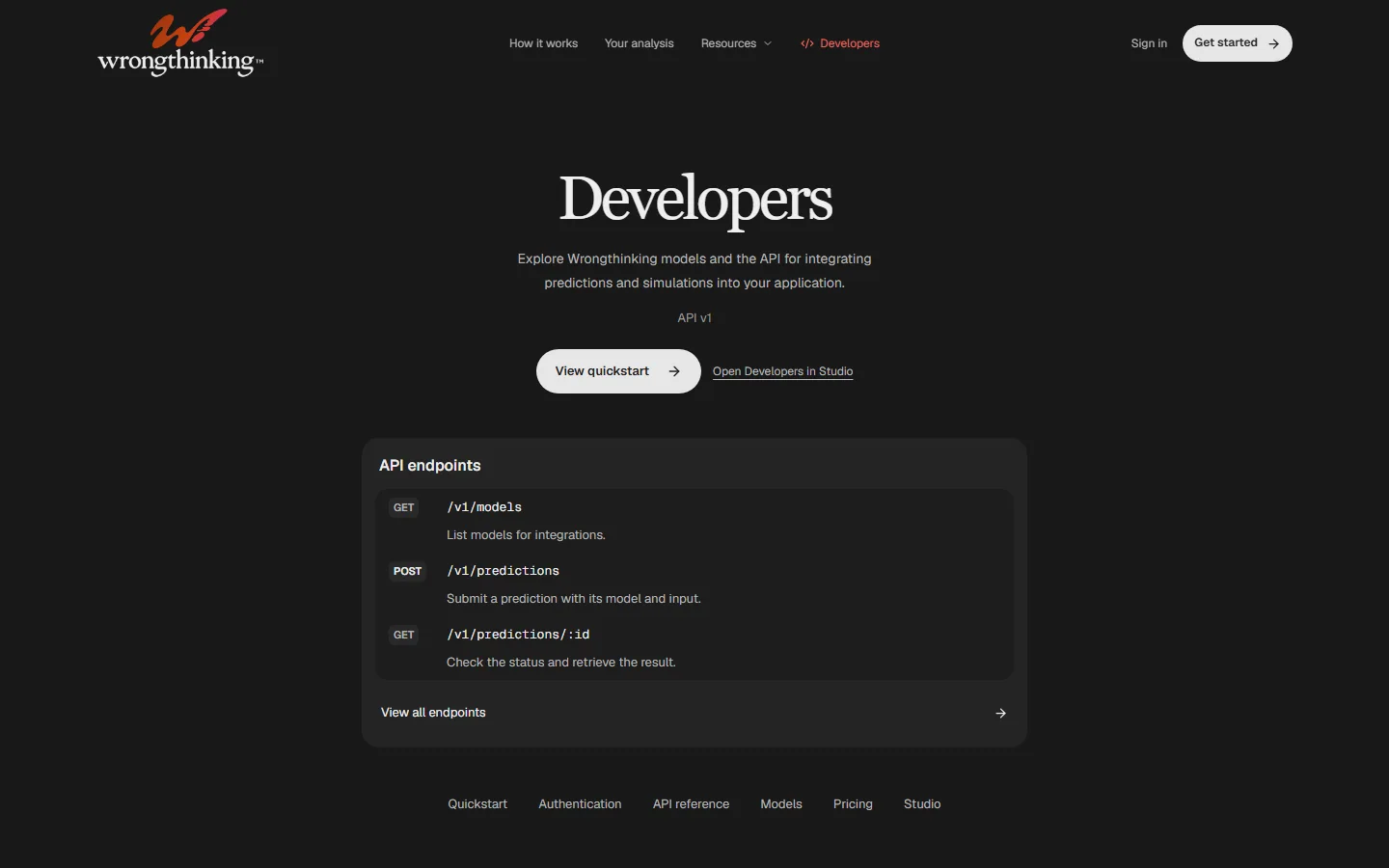
In Developers, read the API docs and model pricing, create keys to submit analyses, and check request status, usage, and logs.
Developers